
Master chronology
Master chronology
7 facts
Updated today
Case chronology software for law firms. Build a timeline from dated facts in your matter record, focus on a person or issue, and open the document and page behind each entry.
Timelines of facts for this matter.
7 facts
7 facts
3 facts
Choose a chronology
Full record or focused sequence
The master chronology shows the full sequence. A focused chronology shows only the person, issue, or time you need.
The full dated sequence for the matter.
A view of one person, issue, or event.
The document and page behind an event.
Follow the sequence
Open a focused chronology, inspect a dated entry, and return to the collection in a sample matter.
Built from dated facts
Site access changes
Change Order 12.pdf · p.14
Northline reserves its extension position
Access notice.pdf · p.2
The revised sequence circulates
Project emails.pdf · p.8
Lost productive time is recorded
Delay log.pdf · p.42
A closer view
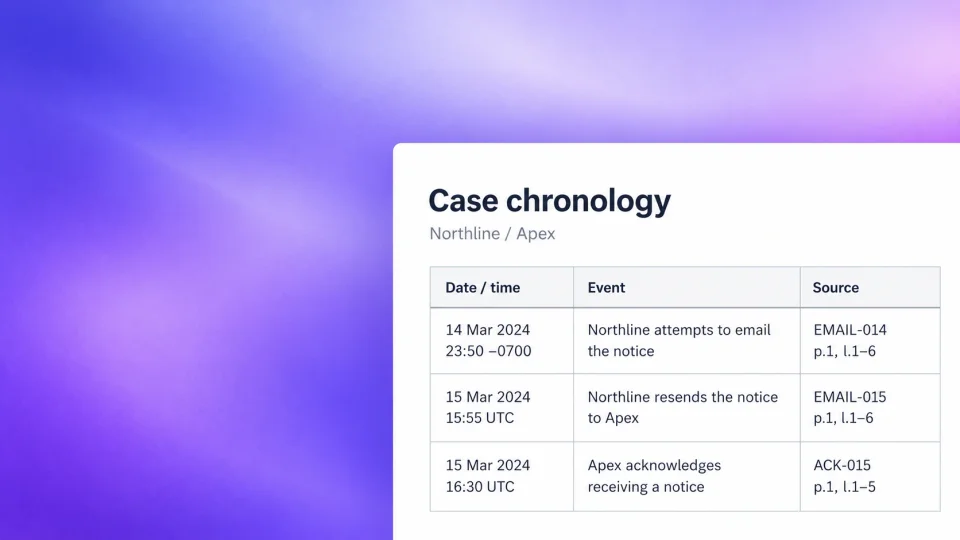
In this demo matter, the site-access chronology brings the notice, revised sequence, and delay record into one view. Open each source to check what happened.
Put the sequence to work
Start with the full record. Narrow the view for a witness interview, client meeting, or issue you need to test.
Choose the person, issue, or event you want to follow.
Read the source behind each key event. Look for gaps and dates that do not agree.
Bring the checked timeline into your preparation. Ask follow-up questions from the same matter record.
Trace every date
A chronology is easier to trust when each date can be checked against the source.
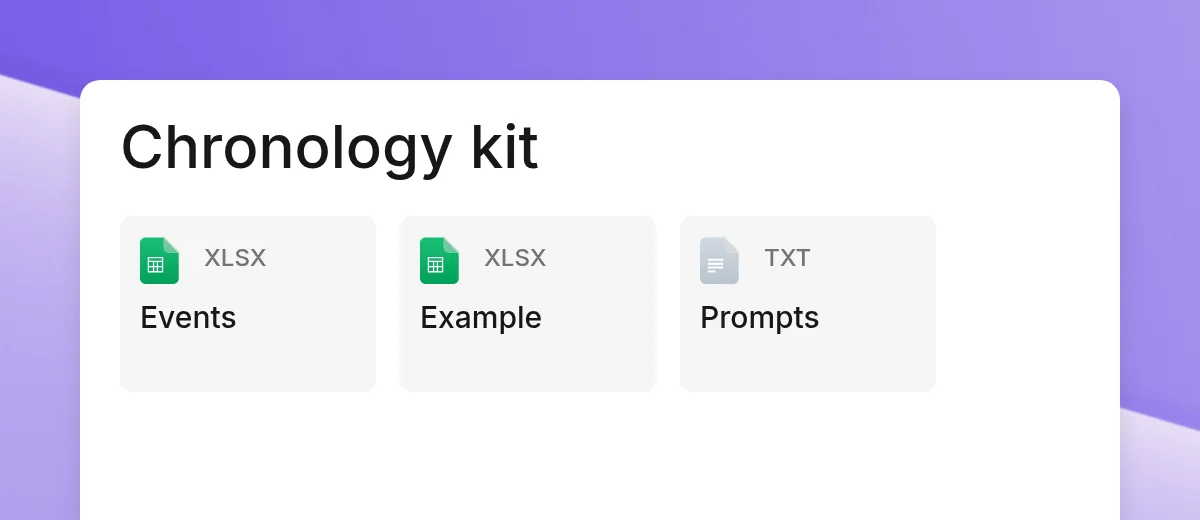
Read about securityUse the guide to plan the work, or start with the editable templates. The examples are fictional and the files work independently of Grella.
They start with dated facts in the matter. Each entry keeps a link to the document and page behind it, so you can check the date and statement together.
Guided demo
Walk through a demo matter. Follow dated facts into a timeline and open the source behind each event.